LinkedIn High-Intent Outreach Blueprint: Book 12 Demos in 5 Days With AI
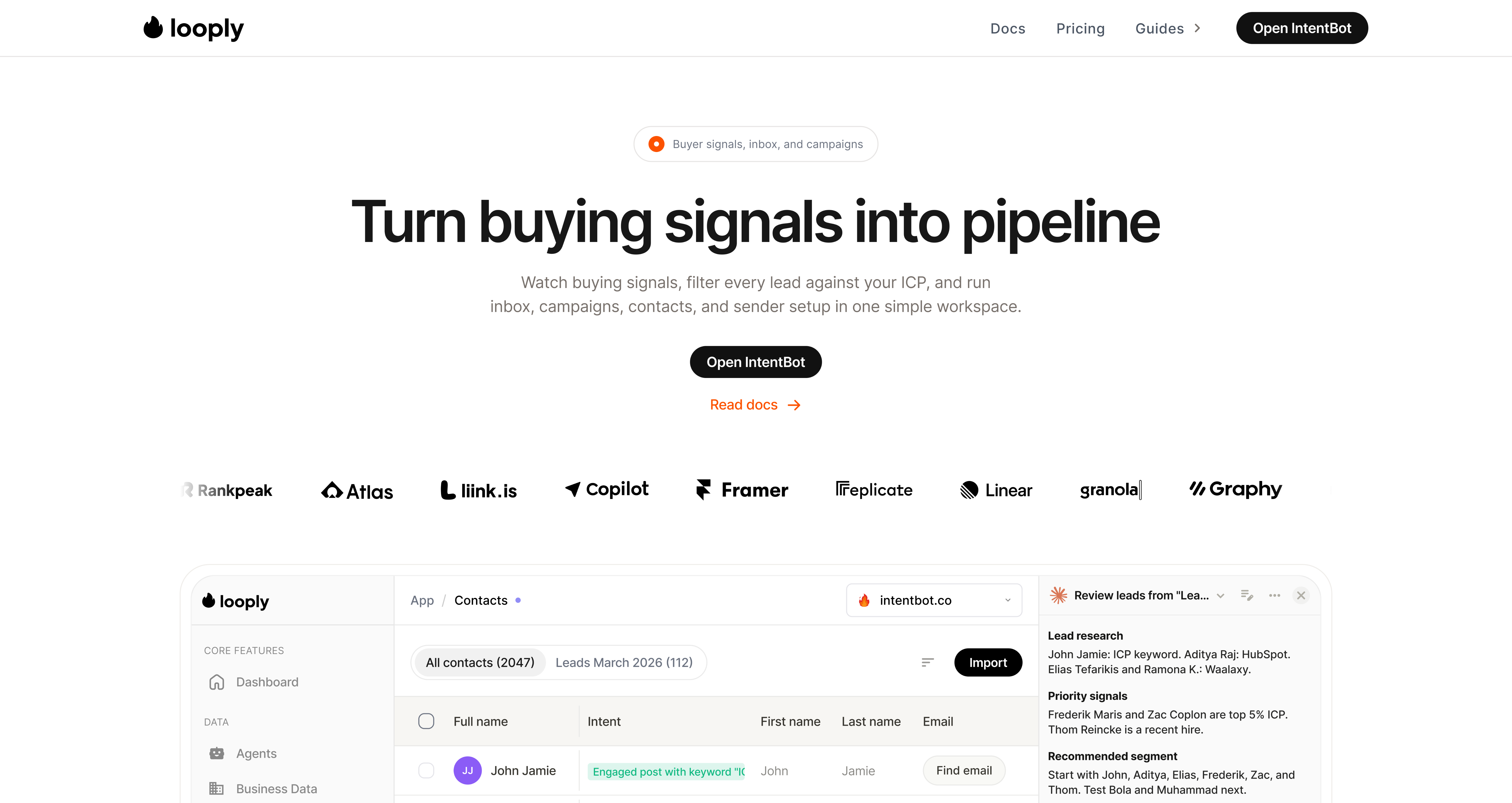
Looply turns buying signals into a campaign-ready pipeline.
My name is Troy and I am the co-founder of Looply.
This is what we do: Looply finds people showing buying intent on LinkedIn, scores them against your ICP, and helps you turn them into campaigns that start real conversations.
Here is a quick video explaining how the workflow works:
Looply demo: from high-intent signals to campaign-ready leads.
The goal : setup your Agent in 10 minutes, and get new warm opportunities & conversations everyday.
We have a 7 day trial that is available here (you should click, it’s definitely worth it)
Here is the playbook you asked for:
The LinkedIn High-Intent Outreach System: How to Book 12 demos in 5 days with AI
In this playbook, I am going to show you the same workflow we use: find fresh LinkedIn intent, filter the bad fits, write short human messages, then launch from one simple workspace.
Why this system works and ice-cold outreach does not
Here is the brutal truth about LinkedIn outreach: most campaigns lose before the first message is read.
Not because the copy is always terrible. Because the prospect did not show any reason to care right now.
Cold outreach
High-intent outreach
Starts from a static database
Starts from recent LinkedIn behavior
Often sees 1-2% response rates
Can see 25-40% response rates when timing, fit, and message quality line up
Takes 100 messages to find one meeting
Can take far fewer messages because the lead already showed context
Feels like an interruption
Feels like joining a conversation already happening
💡
The difference is not a longer pitch. The difference is intent signals.
What counts as a high-intent lead?
💡
High intent = fits your ICP and did something relevant recently.
Think less about cold lists and more about real-time triggers:
•
Liked or commented on a competitor post.
•
Commented on an influencer or category post in your market.
•
Started a new role or made key hires.
•
Announced fresh funding or expansion.
•
Publicly shared a pain point your offer solves.
•
Shows up as a top active profile inside your ICP.
Reaching out at that moment feels less like cold outreach and more like a relevant follow-up.
You can do this manually, but it can take hours per day. Looply is built to make the same workflow repeatable.
A good signal gives your message a real reason to exist.
The 300 warm leads framework
The goal is simple: generate a daily queue of warm leads from one agent setup instead of rebuilding prospect lists from scratch every week.
Step 1: Paste your website into Looply
Looply reads your website and creates the first company profile: what you sell, who you sell to, your market, positioning, language, and competitors.
1.
Create your account at joinlooply.com.
2.
Paste your website.
3.
Review the generated brand profile before launching anything.
Start from your website, not a blank campaign prompt.
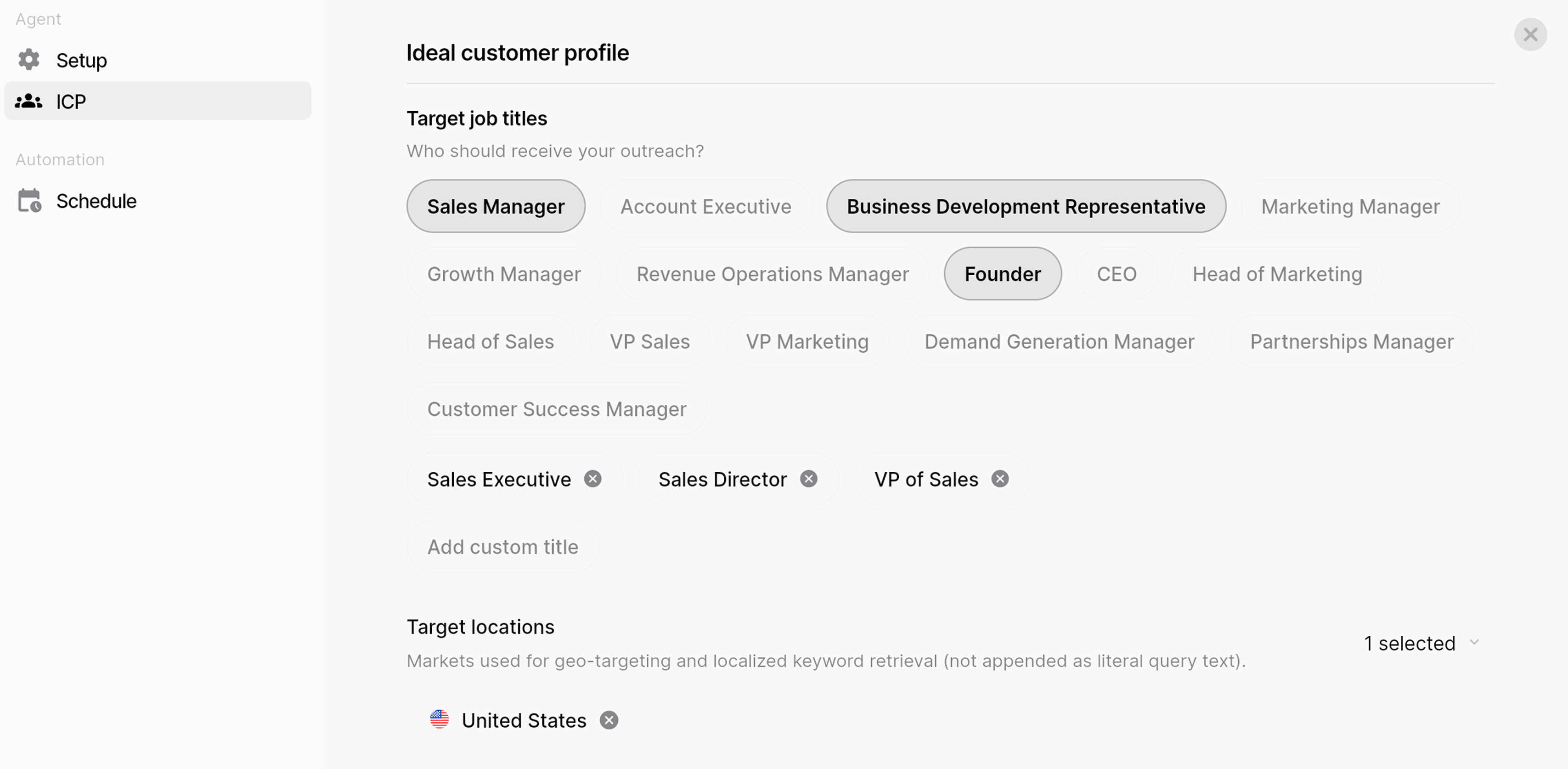
Step 2: Define the ICP and exclusions
High-intent does not matter if the lead is a bad fit. Before writing anything, remove the wrong roles, wrong company types, wrong markets, and low-value accounts.
The ICP filter keeps the lead queue clean before outreach starts.
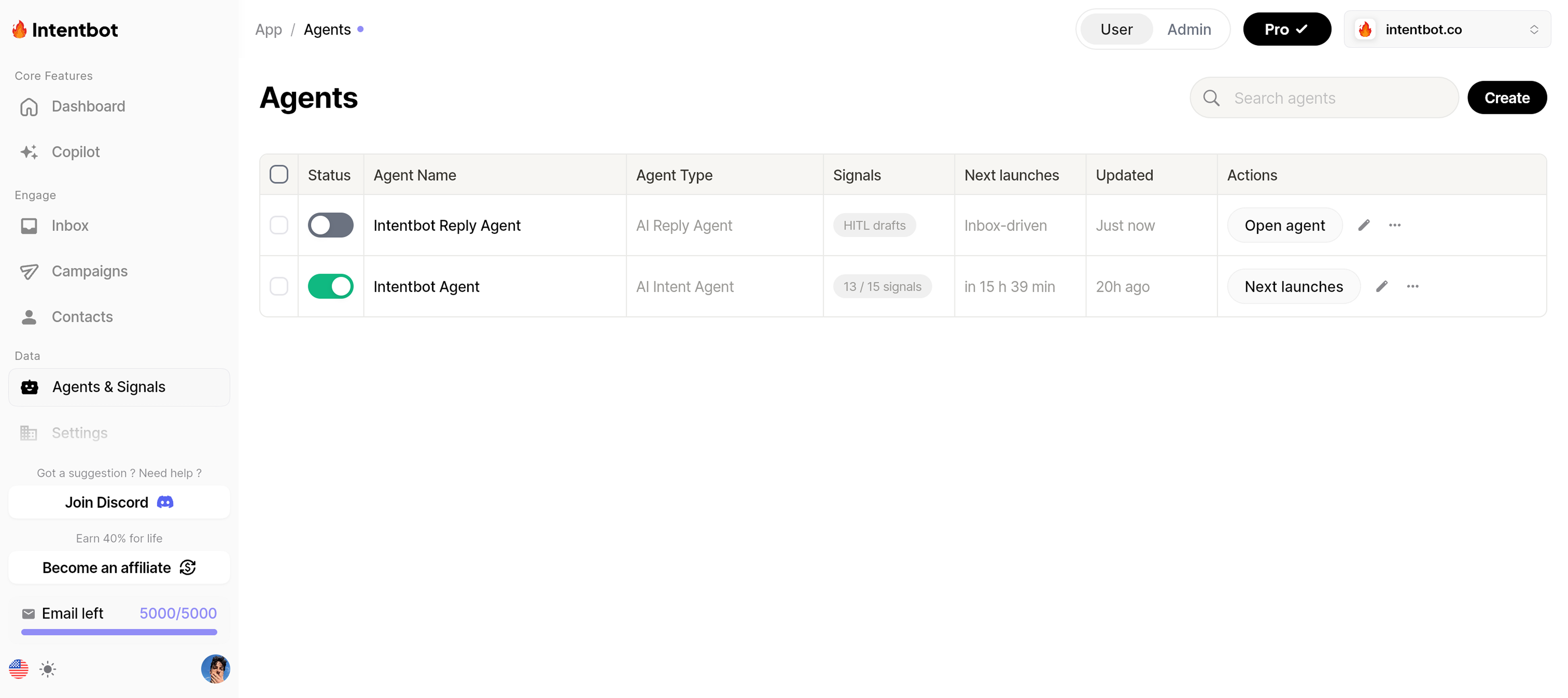
Step 3: Activate your agents in 10 minutes
With Looply, you can activate agents that look for the signals worth acting on:
•
Competitor engagement: people interacting with companies your buyers already know.
•
Influencer and category engagement: people raising their hand around the topic.
•
Recently changed jobs: prospects with fresh priorities and new mandates.
•
Funding and hiring: companies with new budget, growth, or operational pressure.
•
Top active ICP profiles: people already moving in your market.
Activate the agents once, then review the warm queue as leads appear.
Watch the agent setup walkthrough:
Troy walkthrough: setting up the agent, ICP, signals, warm leads, and next steps.
Step 4: Review warm leads with the reason attached
This is the part most teams underestimate. When leads arrive with the reason attached, you stop guessing and start prioritizing.
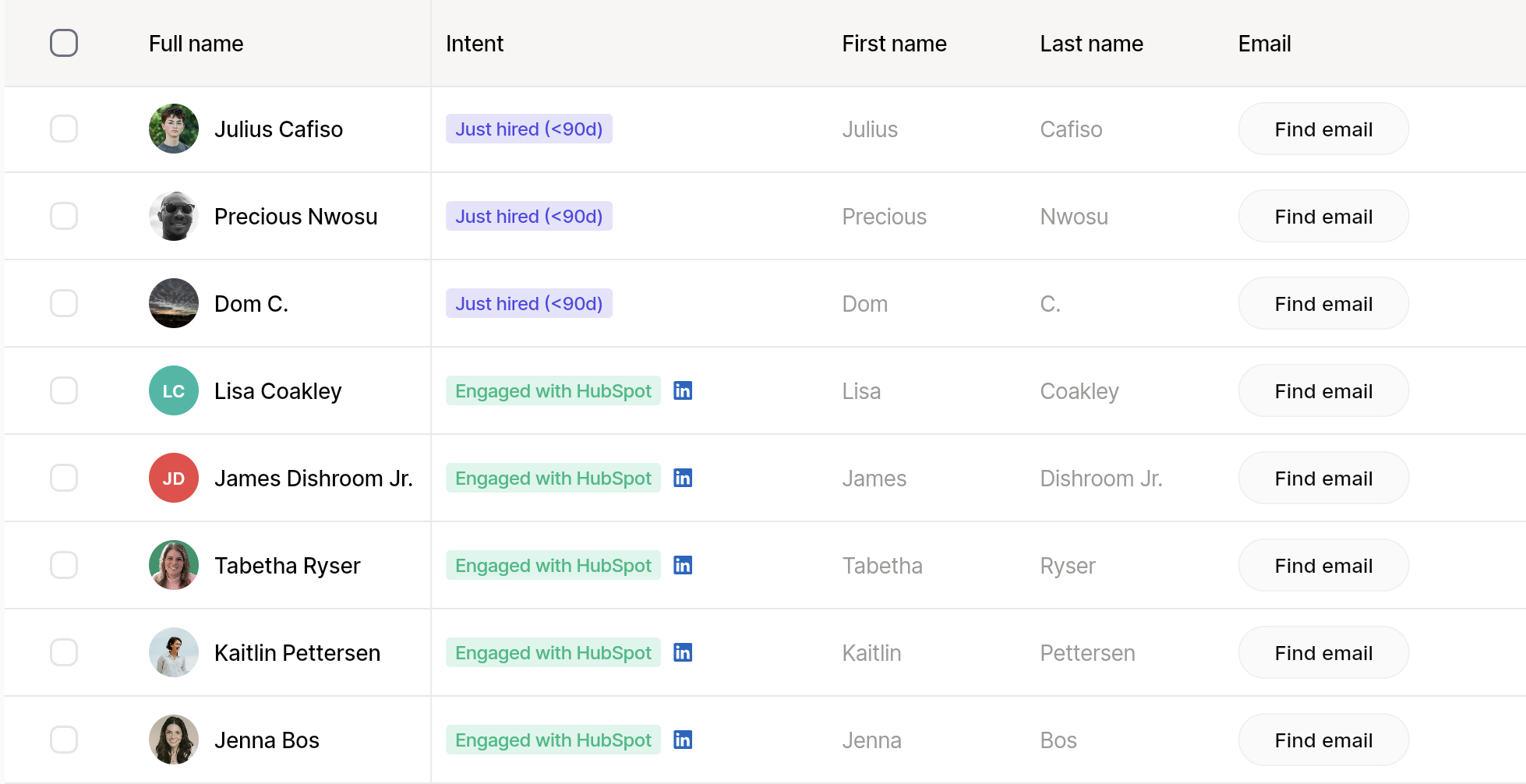
Every lead should have a reason: job change, competitor engagement, funding, hiring, or active ICP behavior.
Step 5: Launch the campaign or sync to your stack
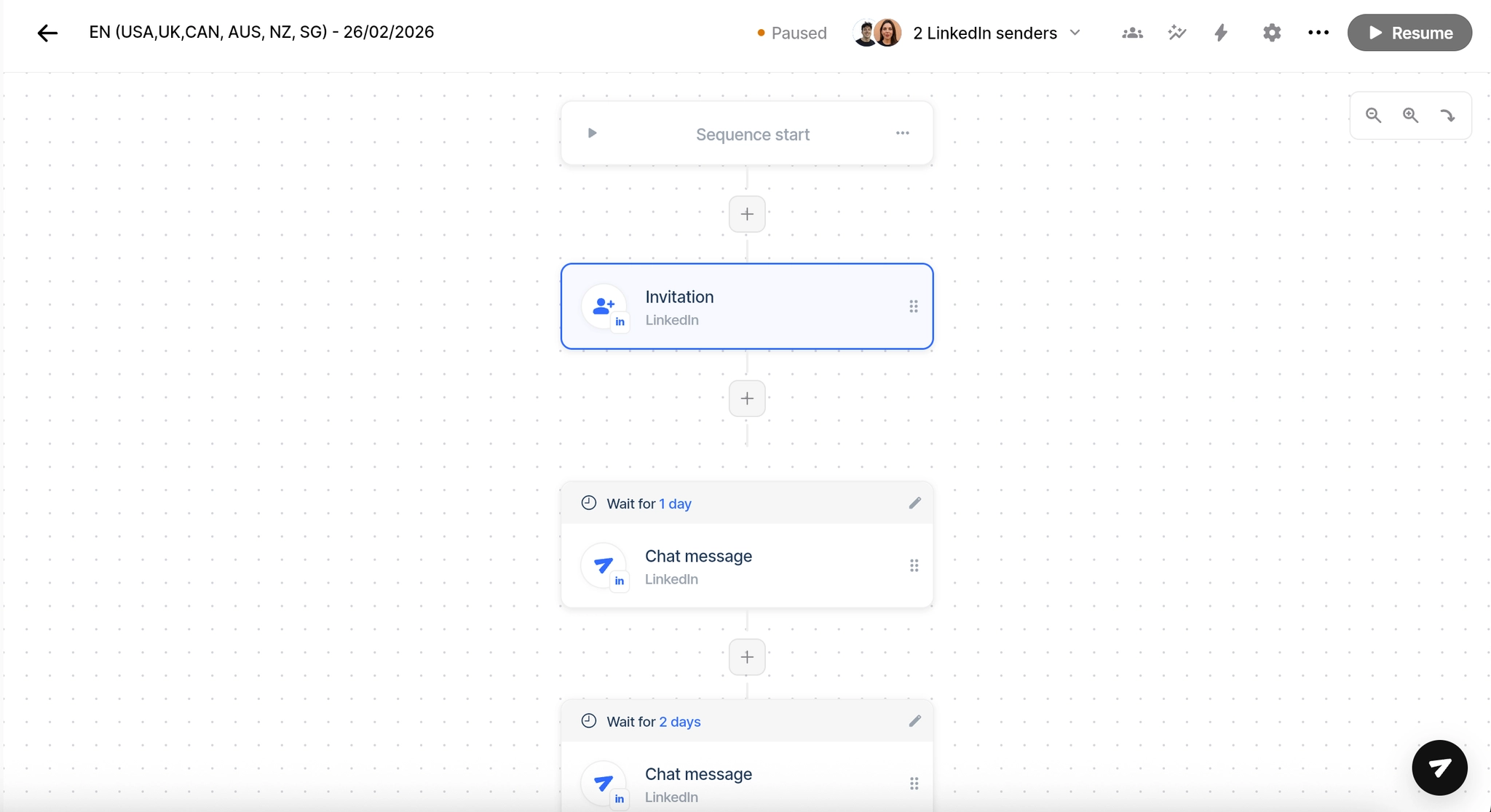
Once the list is clean, send leads to a LinkedIn campaign, enrich emails, or sync the data to the tools your team already uses.
•
LinkedIn campaigns for connection requests and follow-ups.
•
Email enrichment when you want a multichannel flow.
Here is where most people mess up. They get 300 people who might be interested, then send a giant pitch.
Do the opposite. Keep it short. Keep it specific. Ask one question.
Message 1: connection request
Plain text
Hey {{first_name}}, noticed you were active around [topic/signal]. I work with teams using LinkedIn intent to start warmer conversations. Open to connecting?
Connection request
Message 2: first DM after they accept
Plain text
Thanks for connecting {{first_name}}. Saw [specific signal]. Curious, are you trying to improve outbound timing or reply quality right now?
First message
Message 3: meeting bridge after they reply
Plain text
Makes sense. We just solved a similar timing problem for [similar company]. Mind if I send a short video showing the workflow?
Meeting bridge
Message 4: clean bump
Plain text
Quick bump, {{first_name}}. I asked because most teams we speak with have lists, but not timing. Worth sharing how we find warmer LinkedIn leads?
Follow-up
💡
AI or Claude-style research can help if you do this manually. Looply is built to attach the signal context before the message is written.
The prompts if you still do it by hand
Plain text
Look at this LinkedIn signal and profile context.

Signal:
[paste comment, post, or activity]

Profile:
[paste profile summary]

Company:
[paste company context]

Return:
1. Why this might be a buying signal
2. Whether this person fits my ICP
3. One sentence explaining why now
4. One risk or reason not to contact them
Keep it concise.
Analyze the signal
Plain text
Write a LinkedIn opener under 35 words.

Rules:
- Mention one specific signal or context
- Sound human
- No pitch
- No fake excitement
- Ask one simple question
- Do not mention automation
Write the opener
What a Looply campaign can look like
In one active Looply campaign example, the workspace showed 572 invited, 339 accepted, 267 reached, and 133 replies.
Use this as proof of workflow volume and conversations, not as a promise for every account.
Control
Why it matters
Sender health
Keeps pacing realistic and protects the account
Contact quality
Stops bad-fit leads from entering campaigns
Signal freshness
Keeps messages timely
Short messages
Avoids sounding like every generic pitch
Reply handling
Turns interest into next steps
The workflow is simple: better timing, better fit, shorter messages, cleaner replies.
Your first four weeks
Week 1: Foundation
•
Set up one agent: competitors, influencers, job changers, or funding alerts.
•
Review the first warm leads and remove bad fits.
•
Start conversations with people already showing intent.
Week 2: Optimize
•
Review which signals produced the best replies.
•
Tighten ICP filters and exclusions.
•
Keep the campaign simple and watch reply quality.
Week 3: Scale
•
Add more signal types only after the first one works.
•
Sync good-fit leads to the rest of your stack.
•
Let warm conversations compound into demos and pipeline.
Your next 48 hours with Looply
1.
Today: start the 7-day trial.
2.
Today: paste your website and review the company profile.
3.
Today: activate one agent with three signal types.
4.
Tomorrow morning: review the fresh high-intent leads.
5.
Tomorrow: remove bad fits, then launch one simple campaign.
6.
Next 24 hours: answer replies and keep the conversation human.
💡
Stop thinking about LinkedIn as a database. Start thinking about it as a live room full of timing signals.